Pick your apps
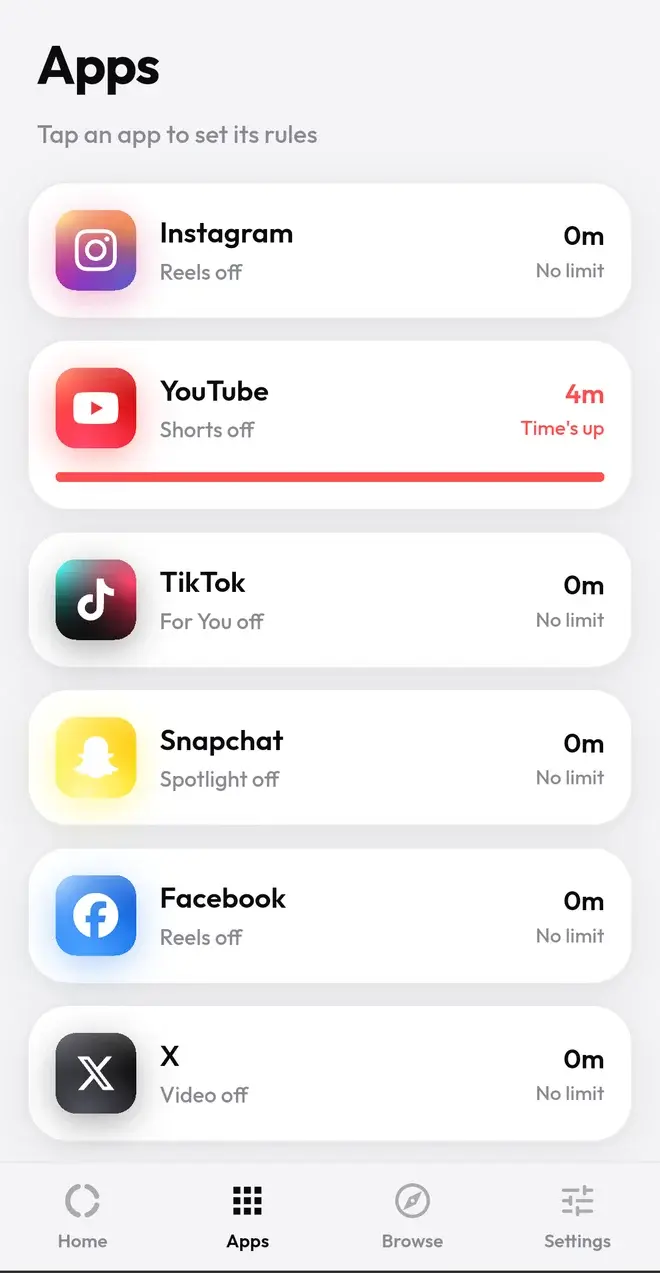
Instagram, YouTube, TikTok, Snapchat, Facebook or X. Turn on the ones that eat your evenings.
Social apps, minus the scroll trap
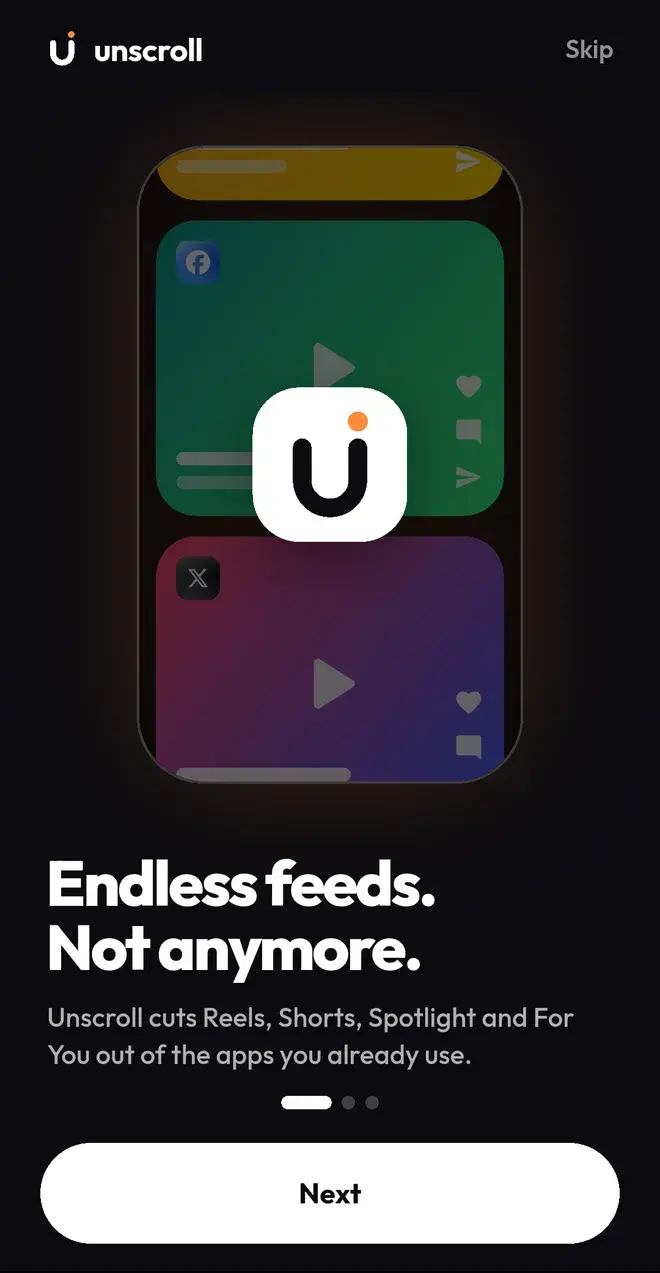
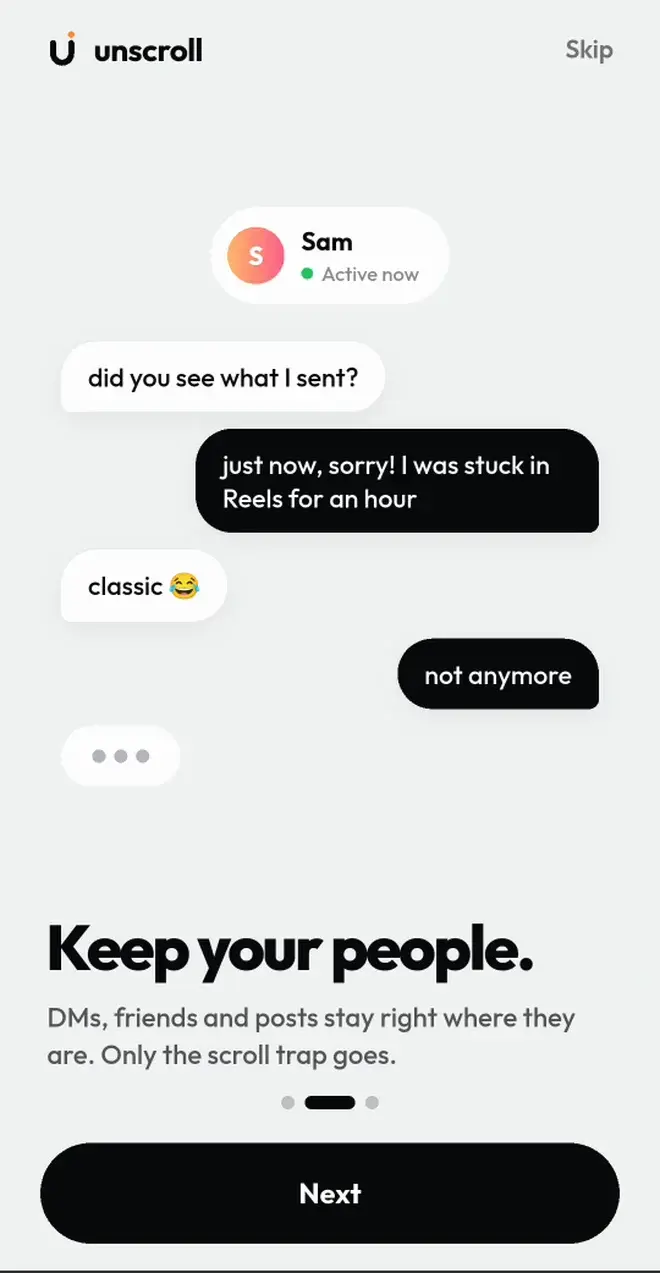
Unscroll cuts Reels, Shorts, Spotlight and For You out of the apps you already use. Your DMs, friends and posts stay right where they are.
The deal
How it works
Instagram, YouTube, TikTok, Snapchat, Facebook or X. Turn on the ones that eat your evenings.
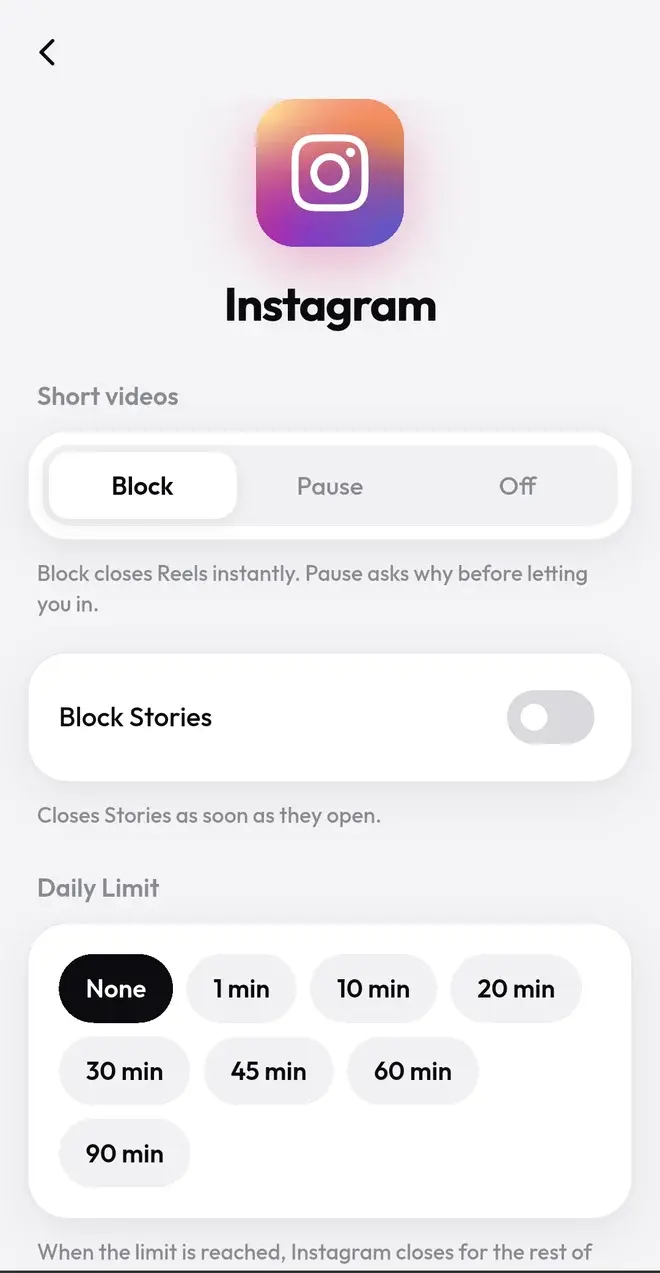
Block closes the feed the moment it opens. Pause asks why you're there before letting you in for a few minutes.
Give each app a budget. When it's used up, the app closes for the rest of the day.
What's inside
Reels, Shorts, Spotlight and For You disappear. Everything else in the app works as usual.
Not ready to go cold turkey? Pause asks one honest question before the feed opens.
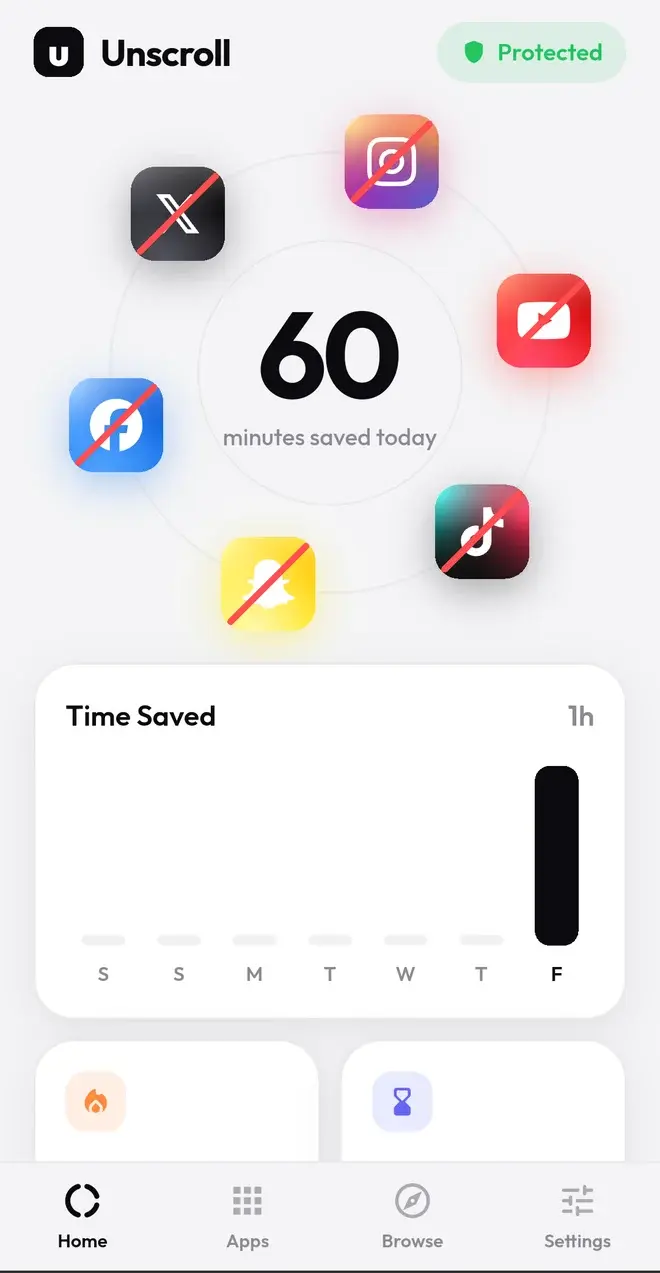
A time budget per app, with a clear countdown. Hit zero and that app is done for today.
Optional: close Stories on Instagram, Snapchat and Facebook as soon as they open.
Open your accounts inside Unscroll with the feeds removed, signed in on your own device.
See the time you got back, keep your streak and share a weekly summary card.
The app
Pricing
Every feature, free for 30 days. No card. Then pick a plan, or don't.
Prices in USD; your store shows local prices. Subscriptions renew automatically until cancelled in your App Store or Google Play account.
FAQ
No. On Android, Unscroll checks the layout of the screen inside supported apps to recognise feed screens, like the Reels tab. That check happens on your phone and nothing is sent anywhere. It never stores or uploads what's on your screen.
Yes, a little differently. Apple doesn't let any app look inside other apps, so on iPhone Unscroll uses Apple's Screen Time to lock the apps you choose, and gives you clean versions of them without the feeds. Blocking just the Reels tab inside the Instagram app is an Android feature.
You get 30 days of everything, no card needed. After that, pick a plan to keep the blocking on. If you don't, the app keeps your stats but stops blocking.
Subscriptions are handled by the App Store or Google Play. Cancel any time from your store account's subscriptions page and you keep access until the end of the period you paid for.
That's the only way an app can see which screen another app is showing. Unscroll uses it to spot feed screens and press Back for you. You can turn it off any time in Settings.

Coming soon to iPhone and Android. 30 days free, no card.